En savoir plus
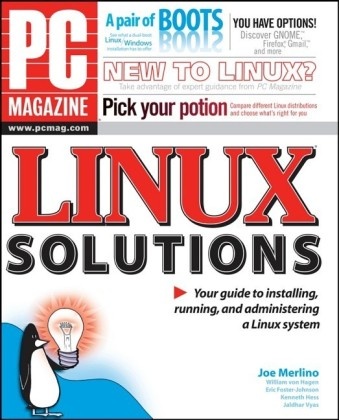
If you can imagine something you'd like your computer to do, you can probably do it with versatile, economical, powerful Linux. This work shows how to tap that power, from installation to Linux desktop environments to getting things done.
Table des matières
Acknowledgments.
Introduction.
Part I: Before Installation.
Chapter 1: Why Use Linux?
Chapter 2: Which Distribution Is Right for You?
Chapter 3: Preparing for Installation.
Part II: During Installation.
Chapter 4: Getting Linux and Starting to Install.
Chapter 5: Partitioning Your Hard Drive.
Chapter 6: Using Accounts.
Chapter 7: Setting Network Information.
Chapter 8: Dual-Boot Installation.
Part III: Running Linux.
Chapter 9: Desktop Solutions.
Chapter 10: Customizing GNOME and KDE.
Chapter 11: Using the Terminal.
Chapter 12: Internet Solutions in Linux.
Part IV: Basic Administration.
Chapter 13: User and File Management Solutions.
Chapter 14: Backing Up Data.
Chapter 15: Software Management Solutions.
Chapter 16: Installing and Removing Hardware.
Chapter 17: Automation and Timed Execution.
Chapter 18: File Sharing Solutions.
Chapter 19: Adjusting Your Internet Settings.
Chapter 20: Linux Security Solutions.
Part V: Server Solutions.
Chapter 21: Web Server Solutions.
Chapter 22: Mail Server Solutions .
Chapter 23: Proxy Server Solutions.
Index.
End-User License Agreement.