Ulteriori informazioni
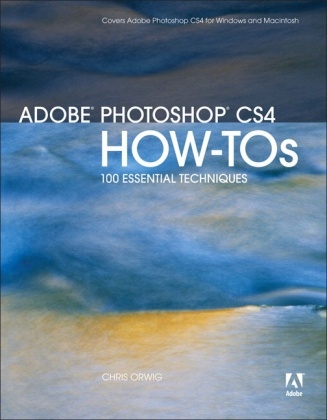
This info-packed guide lets users get right down to work by focusing on the Photoshop CS4 features they're most likely to use and showcasing each in a stand-alone technique--complete with a relevant hint or two and a graphic example. Readers learn just what they need in small digestible bites, exploring the program in a way that makes sense to them. Before they know it, they will be managing their files in the new Bridge interface, discovering new workspace options, using the new Adjustments and Masks panels, and taking advantage of Photoshop's built-in integration with Photoshop Lightroom to import, select, develop, and share their digital photos.
Sommario
1 Getting Started
2 Working with Digital Image Files
3 Using Adobe Bridge
4 Using Adobe Camera Raw
5 Working with Layers
6 Making Selections
7 Using Blending Modes
8 Using Filters
9 Modifying Color and Tone
10 Masking
11 Retouching Portraits
12 Working With Type
13 Sharpening Images
14 Output
Info autore
Chris Orwig is a professional photographer, teacher, and author. He is a member of the faculty at the prestigious Brooks Institute of Photography in Santa Barbara, California. He wrote Adobe Lightroom 2 How-tos: 100 Essential Techniques for Adobe Press and a new book on digital photography is expected in 2009. Chris is a popular conference speaker and a regular contributor to Photoshop User and Layers magazines.
Riassunto
This info-packed guide lets users get right down to work by focusing on the Photoshop CS4 features they're most likely to use and showcasing each in a stand-alone technique--complete with a relevant hint or two and a graphic example. Readers learn just what they need in small digestible bites, exploring the program in a way that makes sense to them. Before they know it, they will be managing their files in the new Bridge interface, discovering new workspace options, using the new Adjustments and Masks panels, and taking advantage of Photoshop's built-in integration with Photoshop Lightroom to import, select, develop, and share their digital photos.