Read more
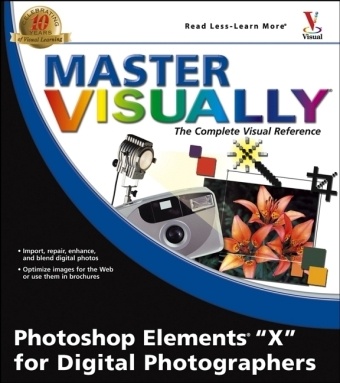
Klappentext * Demonstrates everything intermediate users need to know about the latest release of Adobe Photoshop Elements, the world's most popular consumer photo-editing product* More than 190 illustrated step-by-step tasks cover topics such as how to import photos from digital cameras and scanners; retouch, repair, and enhance digital images and blend multiple images* Packed with step-by-step instructions so visual learners also gain knowledge of how to optimize images for posting on the Web, create a Web photo gallery, incorporate graphics into flyers, brochures, and presentations, and more* More consumers and small business operators are shooting and processing their own digital photos, and this book will help them save time and gain expertise
List of contents
PART I: Elements 3 Foundations.
1. Elements Basics and Beyond.
2. Starting, Saving, Sharing, and Printing.
3. Making Selections within an Image.
4. Moving and Navigating Image Content.
PART II: Customizing Elements Images.
5. Resizing and Rotating Images.
6. Understanding, Creating, and Using Layers.
7. Applying Layer Styles.
PART III: Creating Original Artwork with Elements 3.
8. Painting and Drawing Original Artwork.
9. Creating and Manipulating Shapes.
PART IV: Enhancing Elements Images.
10. Repairing, Restoring, and Retouching.
11. Using Color and Patterns to Fill Shapes and Layers.
PART V: Informing & Entertaining with Elements 3 Images.
12. Working with Text.
13. Creating Graphics for the Web.
PART VI: Elements Extras.
14. Organizing and Displaying Images.
PART VI: Appendixes.
Appendix A: Keyboard Shortcuts.
Appendix B: Glossary.
Appendix C: The Elements Online Community.